
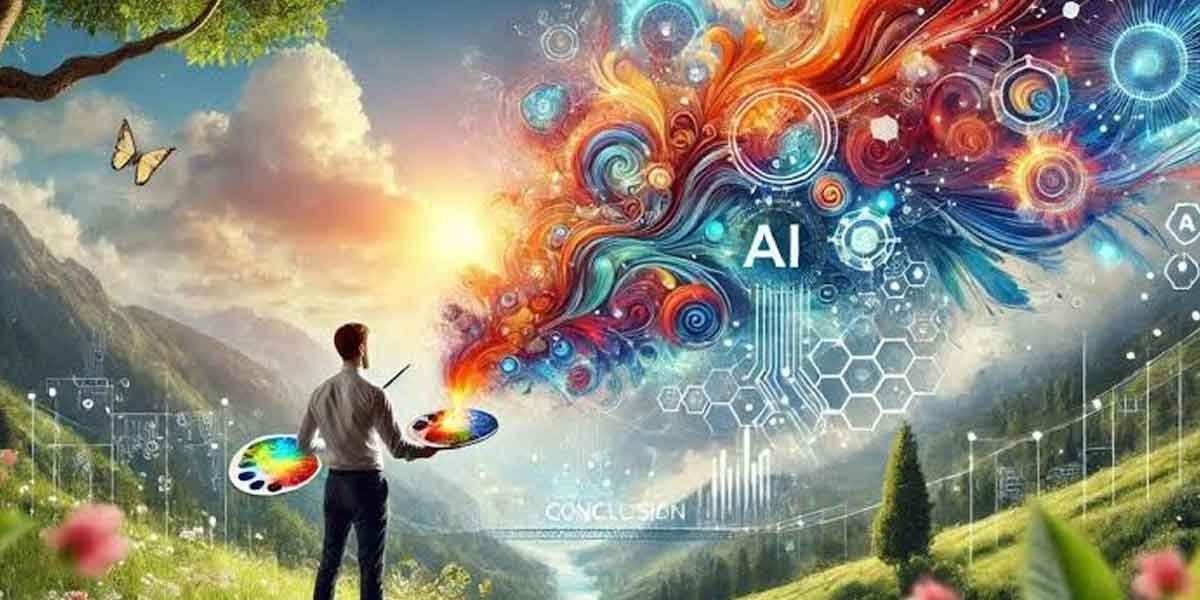
Creating professional visuals once required a combination of design skills, specialized software, stock libraries, and considerable time. Today, artificial intelligence is changing that process by allowing creators to turn simple descriptions into images within minutes. For marketers, entrepreneurs, educators, and content creators, this shift makes visual production more accessible while also changing expectations around speed and experimentation.
The challenge, however, is not simply generating an image. Useful visual content must communicate an idea clearly, match a brand’s identity, and work across different platforms. Modern AI image workflows are therefore moving beyond basic generation toward greater control, editing, refinement, and practical production. Understanding how these tools fit into a broader creative process can help professionals use them more effectively without sacrificing quality or originality.
Turning Written Ideas Into Visual Concepts
One of the most significant changes brought by generative AI is the ability to begin with words rather than a finished visual concept. Instead of searching through stock photography or explaining an idea to a designer, users can describe a scene, subject, mood, or composition and generate an initial visual direction.
A text to image AI generator can be useful during this early stage because it turns abstract concepts into something concrete that can be evaluated and refined. This is particularly valuable when a marketing team needs several creative directions before choosing one.
The quality of the result still depends heavily on the instructions provided. Specific prompts describing the subject, setting, lighting, composition, and intended style generally give an AI system more useful information. Rather than treating generation as a one-click solution, professionals can use it as a visual brainstorming partner.
Why Reference Images Matter
Text prompts are not the only way to guide an AI image workflow. Reference images can provide information about composition, visual style, color relationships, or the appearance of a particular subject. This makes image-based prompting especially useful when consistency matters.
For example, a designer might have an existing product photograph but need several alternative backgrounds for an advertising campaign. Instead of recreating the entire composition manually, an AI workflow can use the original image as a visual reference while following additional instructions.
This approach can also help creators explore different artistic directions without losing the core idea. The reference acts as an anchor, while the prompt provides the creative instructions. The result is a more controlled process than starting from an empty canvas every time.
For professional teams, this can reduce repetitive work and make experimentation easier. It also allows non-designers to communicate visual ideas more precisely when collaborating with creative specialists.
Moving From Generation to Refinement
Generating an image is only one part of professional visual production. AI-created visuals may still require adjustments to composition, colors, proportions, backgrounds, typography, or individual details before they are ready for publication.
Modern image workflows increasingly combine generation with editing so users can move from an initial concept to a finished asset without switching between numerous applications. CapCut, for example, describes workflows that allow generated images to be refined through adjustments such as cropping, color changes, filters, enhancement, and other editing controls.
This distinction is important because professional-quality visuals rarely depend on generation alone. The ability to inspect an output, identify weaknesses, and make targeted changes remains an essential part of the creative process. AI can accelerate production, but human judgment continues to determine whether the final image actually serves its intended purpose.
Understanding New AI Image Models
As AI image technology develops, users are also encountering different models designed around different strengths. Some prioritize realism, while others may be useful for illustration, creative experimentation, editing, or following detailed instructions.
For example, GPT Image 2.5 is presented within CapCut’s image workflow as a way to begin with text, sketches, or reference images and then refine specific elements of the resulting visual.
The practical lesson is that professionals should evaluate an image model based on the task rather than assuming one system will perform equally well for every project. A product image may require accurate details, while a social graphic may prioritize visual impact. A storyboard may need consistency across multiple scenes.
Testing the same prompt under controlled conditions can help users understand differences in composition, detail, instruction-following, and editing flexibility.
Building a Reliable Creative Workflow
The most effective use of AI image generation is often a structured workflow rather than an isolated tool. A practical process might begin with defining the audience and purpose, followed by writing a detailed visual brief. The creator can then generate several concepts, select the most promising direction, and refine the image through targeted instructions and manual editing.
Quality control should remain part of the process. Images should be reviewed for inaccurate details, awkward text, inconsistent elements, distorted objects, and visual choices that do not fit the intended message. The final asset should also be checked at the size and format in which it will actually appear.
This approach treats AI as part of a broader creative system. It can reduce repetitive tasks and accelerate experimentation while leaving important decisions about messaging, brand consistency, accuracy, and presentation with the person producing the content.
Conclusion
AI image generation is changing how professionals approach visual communication, but its long-term value goes beyond simply producing pictures faster. The technology can help transform early ideas into visual concepts, explore alternative directions, work from reference material, and streamline repetitive editing tasks.
The strongest results come when generation is combined with thoughtful prompting, careful evaluation, and deliberate refinement. Instead of replacing the creative process, AI can become another layer within it, helping teams move more efficiently from an initial idea to a usable visual asset.
As image models and editing workflows continue to develop, the ability to direct, evaluate, and refine AI-generated content will become increasingly important. Professionals who understand both the technology and the creative principles behind effective visual communication will be better positioned to adapt as the tools continue to evolve.