
Photographers, web developers, and digital marketers often manage large photo libraries containing hundreds or thousands of images. Manual conversion, resizing, and optimization of each file is impractical. This is where batch image processing becomes essential. By using the right workflow, software, and settings, it’s possible to convert multiple images at once, optimize file size, and maintain quality without sacrificing speed.
Batch conversion enables you to handle large-scale image libraries, streamline website workflows, and efficiently prepare media for online platforms. Whether you’re converting RAW photos to JPEG for web use, creating WebP files for faster loading, or standardizing formats for print, proper batch workflows save time and reduce errors.
When Batch Processing Becomes Essential
Batch processing is an essential solution for high-volume environments where manual editing is impractical, such as event photography, large-scale weddings, or e-commerce catalogs containing hundreds of products. By automating the application of uniform dimensions, color profiles, and compression levels, it ensures that an entire collection remains visually consistent—a critical requirement for professional branding and cohesive web galleries. This systematic approach is also vital for media sites and digital archives that need to standardize vast amounts of data into accessible formats like JPEG or WebP without the risk of human error.
Beyond saving time, a batch workflow lets you maintain a strict quality standard across all assets simultaneously. Whether you are backing up an entire career’s worth of work or optimizing media for a new blog post, the ability to “set it and forget it” ensures that every file meets your technical specifications. This optimization scales your productivity, allowing you to focus on the creative aspects of photography rather than the repetitive mechanics of file management.
Online Batch Converters vs. Desktop Software
Choosing the right batch processing tool depends on the volume of your collection and the level of precision your project requires. Online converters are highly convenient for small sets of images or remote workflows, enabling quick, browser-based transformations without local installation. However, these web tools often have strict limits on file size and daily conversion minutes, and they require a stable internet connection for uploading and downloading assets.
For professional photographers or those managing large-scale libraries, desktop software like Adobe Lightroom Classic, Capture One, or XnConvert is the superior choice. These applications provide advanced control over multi-format exports, metadata preservation, and high-speed processing that remains unaffected by internet bandwidth. By selecting the tool that aligns with your specific needs for speed, security, and granular quality control, you can build a more efficient and reliable imaging workflow.
Setting Up Consistent Processing Parameters
Uniform settings are vital for professional image results, ensuring every asset shares the same visual and technical DNA. Define a universal format (like WebP or JPEG), resolution, and quality. Synchronize color, sharpening, and noise reduction for a cohesive “look.” Consistent metadata is also essential for effective digital asset management. Without this standardization, a collection appears unprofessional. A disciplined batch workflow guarantees every file meets the exact professional standard.
Format Conversion Strategies
Optimizing image workflows hinges on choosing the appropriate conversion strategy. This selection must be guided by both the image’s source format and its intended application, as different scenarios require distinct conversion approaches.
- RAW to JPEG: Preserves essential photo details while reducing file size
- PNG to WebP: Reduces page load time on websites without losing transparency
- HEIC to JPG: Ensures compatibility across devices and platforms
Resizing and Compression During Batch Conversion
Batch workflows combine resizing and compression into one automated step, quickly preparing images for print, web, and mobile use. This multi-threaded process eliminates manual edits, streamlining production. Performing operations simultaneously ensures consistent, optimized quality across all output sizes, from thumbnails to hero banners, delivering ready-to-use assets faster than individual processing.
Folder Structure and Naming Conventions
Maintain organization during batch image processing to prevent chaos in large digital libraries. Use a consistent folder hierarchy (by project, date, or format) and standardized naming conventions (descriptive labels and sequential numbering) for easy retrieval and identification. Always save processed outputs to a separate directory from original files to prevent overwriting and data loss. This disciplined structure simplifies future access and ensures your media library remains a professional, scalable resource, saving time and preventing clutter.
Quality Control Sampling
Even with automated batch processing, a final quality control check is vital. Sample images (beginning, middle, end) to verify consistent resolution, check for compression artifacts or color shifts, and confirm critical metadata is intact. Ensure complex features, such as WebP/PNG transparency, are not flattened. Detect inconsistencies early to refine the workflow before delivery. This proactive validation prevents substandard assets, protects your reputation, and guarantees optimized, professional images.
Managing Failed Conversions and Problematic Files
Batch processing is efficient but prone to interruptions caused by corrupted files, unsupported formats, or permission issues. Use professional software with detailed error logs to identify and bypass problematic files without stopping the queue. Best practices: utilize retries for transient errors and manually inspect failing files persistently. Crucially, always back up original RAW files before starting to prevent data loss. Proper error handling turns a fragile process into a reliable, “set-and-forget” system.
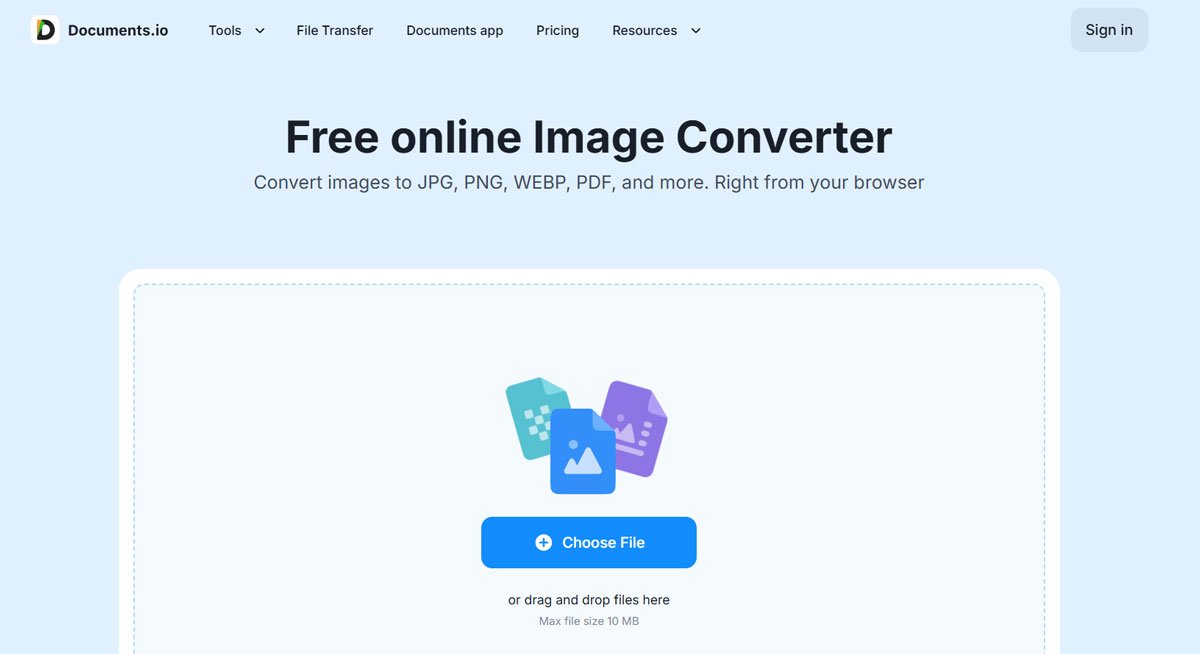
By selecting the right tool, for example a reliable converter such as https://documents.io/image-converter, by standardizing processing parameters, optimizing formats, and implementing quality control, you can convert hundreds of images quickly and reliably. Whether your goal is faster website loading, consistent photo publishing, or large-scale archiving, batch workflows make the process faster, more organized, and more efficient.
Image Converters provide accessible solutions for bulk conversion, resizing, compression, and format optimization, allowing professionals to focus on creativity rather than repetitive tasks.